Resources for Learning about Robotics:
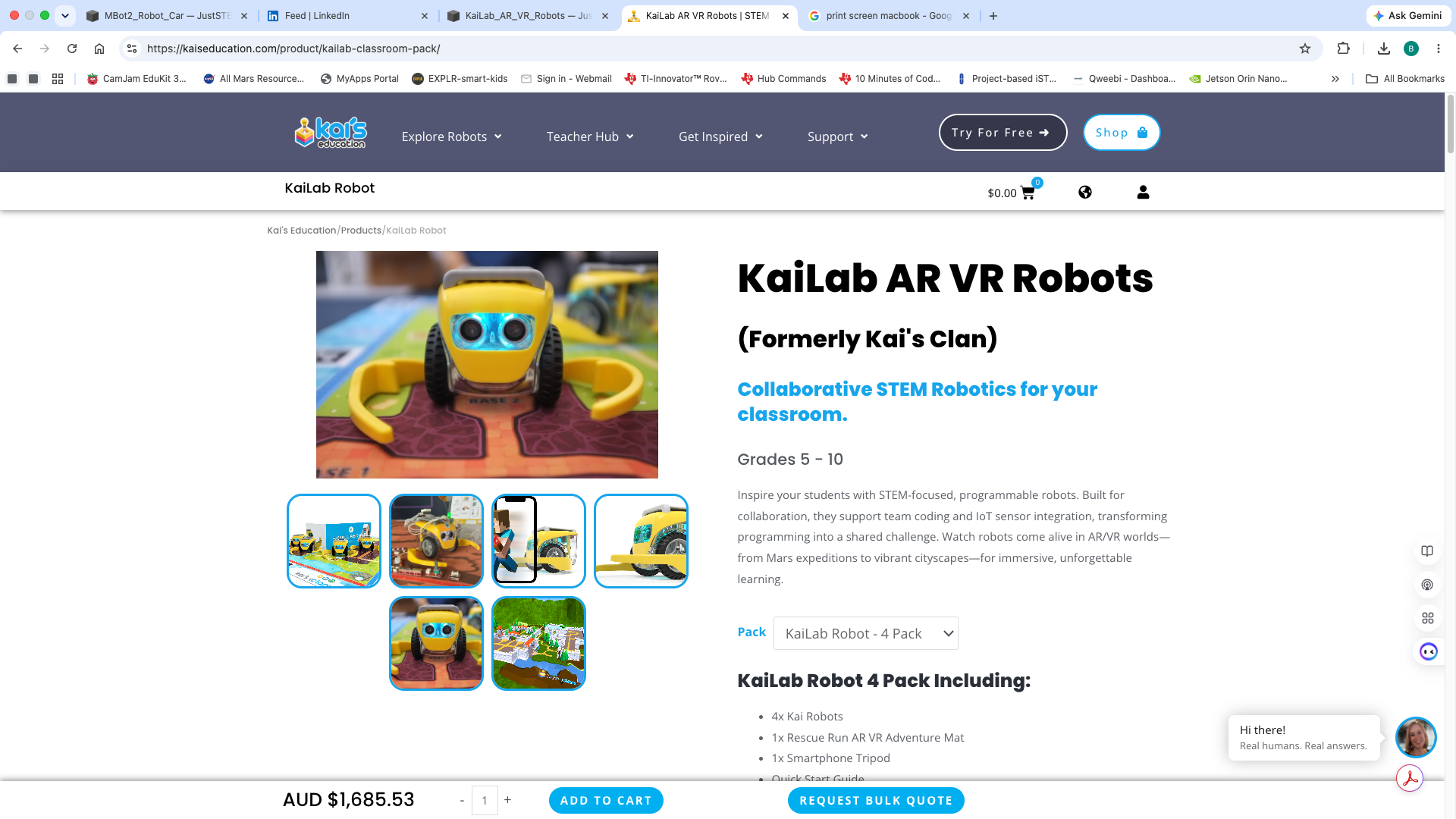
Collaborative STEM Robotics > https://kaiseducation.com/product/kailab-classroom-pack/
Kai’s Education YouTube Channel > https://www.youtube.com/@kaiseducation
Setting up KaiLab Robots > https://www.youtube.com/watch?v=hJgQGSMVNOE
KaiLab Lesson Resources > https://learn.kaiseducation.com/kailab/lesson-resources/lessons/
Webinar // Bringing Mars settlements to life with KaiLab >https://www.youtube.com/watch?v=9EoWb9BhXyo
Cross-Curricular Approach: KaiLab with Mars Adventure Mat > https://www.youtube.com/watch?v=g5QBUcIWTG8
TinkerCad for 3D Printing objects > https://www.tinkercad.com/
Tech tips:
The website https://kailab.kaiseducation.com/classroom/ needs a newer iPad to work correctly, iOS > 15.8.8
iPhone or iPad Camera should be angled @ 45 degrees & be around 30 cm from edge of mat.
The Tripod / Camera should be located at the North end of the mat.
The 4 x KaiLab Robots Firmware was updated successfully.
3D Printed Gripper Object > https://kaiseducation.com/kailab-support/
If Kai’s Cloud Connection issues, check:
See if browser will go to https://mqtts.kaiseducation.com/ > should get ‘Upgrade required’ message returned
From a Terminal window >ping mqtts.kaiseducation.com > should get a turn around of about 250msec
Reset Router by switching it off / wait 10 seconds / on and see if Kai’s Cloud connection is established
If Mobile Data Works, But WiFi Doesn’t:
The Kai's Eye robot tracker app requires access to the internet and communicates via MQTT on ports 443 or 80 with these services:
Ask your School IT / Firewall administrator to whitelist these addresses: